Introduction to DevOps

👋 Hey there! I'm Siddharth Upadhyay 🚀 Final-year B.Tech CSE student @ VIT Chennai | 🛠️ Aspiring DevOps Engineer | 📊 Ex-Data Science Intern I'm passionate about DevOps, Cloud Computing, and Automation. Currently, I'm diving deep into CI/CD, Linux Administration, Containers, and Configuration Management, documenting my learnings along the way. 🔍 What you'll find on my blog? Hands-on tutorials 🖥️ My personal learning journey 🛤️ 📌 Follow along as I share my DevOps journey, one blog at a time! 🚀
What is DevOps ❓
DevOps acts as a bridge between development and operations teams. It focuses on automating processes and ensuring the efficient and reliable delivery of software.
A concise way to describe the need for DevOps is:
“If you want to deliver your software faster, better, and cheaper, then DevOps is your solution.”
Main Objectives of DevOps 🎯
Automation – Reducing manual efforts by automating the build, test, and deployment processes.
Continuous Integration & Continuous Delivery (CI/CD) – Ensuring frequent code integration and automated deployment.
Scalability & Reliability – Making the best use of resources while maintaining high availability and performance of applications.
DevOps and SDLC Lifecycle 🧬
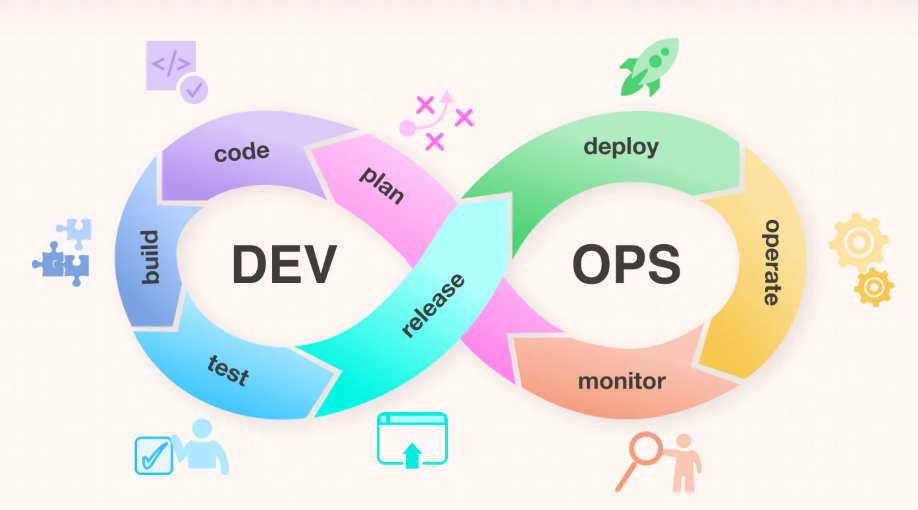
The Software Development Life Cycle (SDLC) consists of phases like planning, development, testing, deployment, and maintenance. DevOps integrates into SDLC by:
Automating the build and testing phases.
Using CI/CD pipelines for faster deployment.
Monitoring applications in real-time to detect and resolve issues quickly.
CI/CD: The Backbone of DevOps
⛔Often, developers work independently on a project and merge their code into the main branch at the end. This lack of communication and code verification can result in integration issues, errors, and deployment delays.

CI/CD solves this problem by triggering automated tests whenever a developer pushes code to the repository.
If the code passes the tests, it is committed to the main codebase. This process is repeated for every developer and each commit, ensuring smoother integration and automated, timely delivery.
Containers 📦 and Virtual Deployment
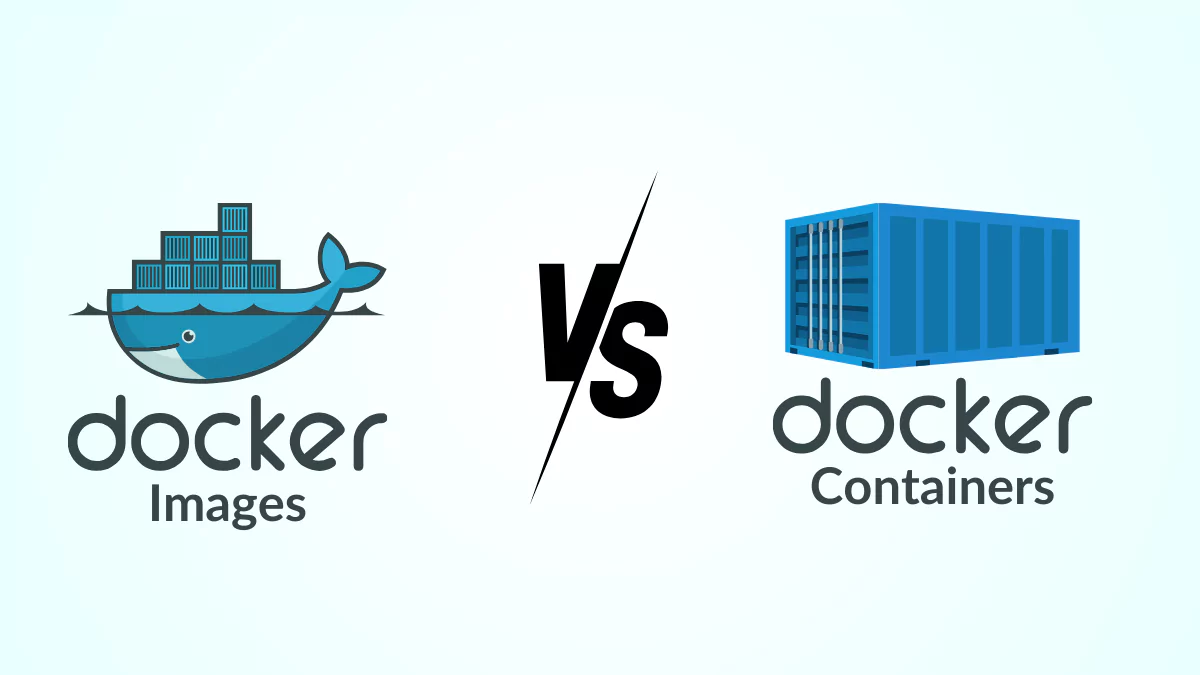
Understanding containers is relatively straightforward, as they can be visualized as isolated boxes. Docker is one of the most widely used containerization tools.
Key Components of Docker:
Docker Engine – Manages the creation and operation of containers.
Dockerfile – Contains instructions to build a Docker image.
Docker Image – A read-only template used to create containers.
Docker Hub – A cloud-based repository where users push and pull container images.
Scripting in DevOps 💻
Scripting is essential for automating various DevOps processes. It allows developers to write scripts that provide instructions to DevOps tools for automation.
Bash (Bourne Again Shell) – One of the most widely used scripting languages in DevOps.
Configuration Management Tools 🛠️
Configuration management ensures infrastructure is consistently set up and maintained. Some of the most popular tools include:
Ansible – Agentless automation for configuration and deployment.
Puppet – Manages configurations using a declarative approach.
Chef – Uses code to define infrastructure as a set of recipes.
Conclusion
DevOps is more than just a set of tools; it is a cultural shift toward collaboration, automation, and continuous improvement. By implementing DevOps principles, organizations can enhance software quality, accelerate releases, and ensure system reliability.